Built for homeowners, real-estate professionals and interior designers
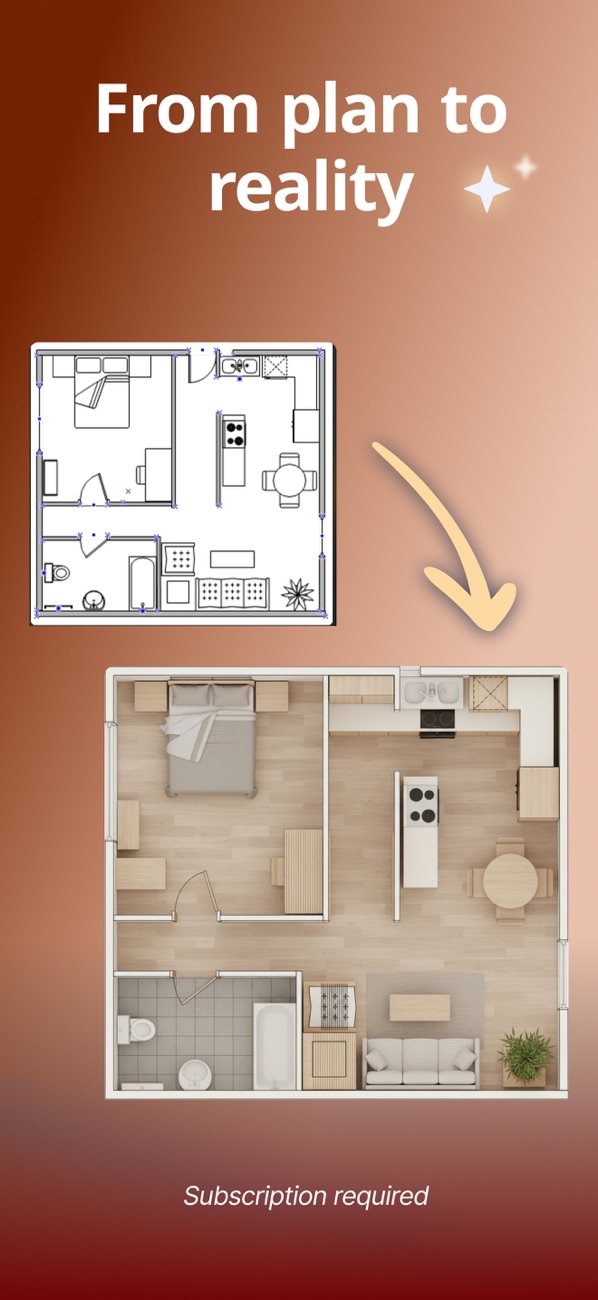
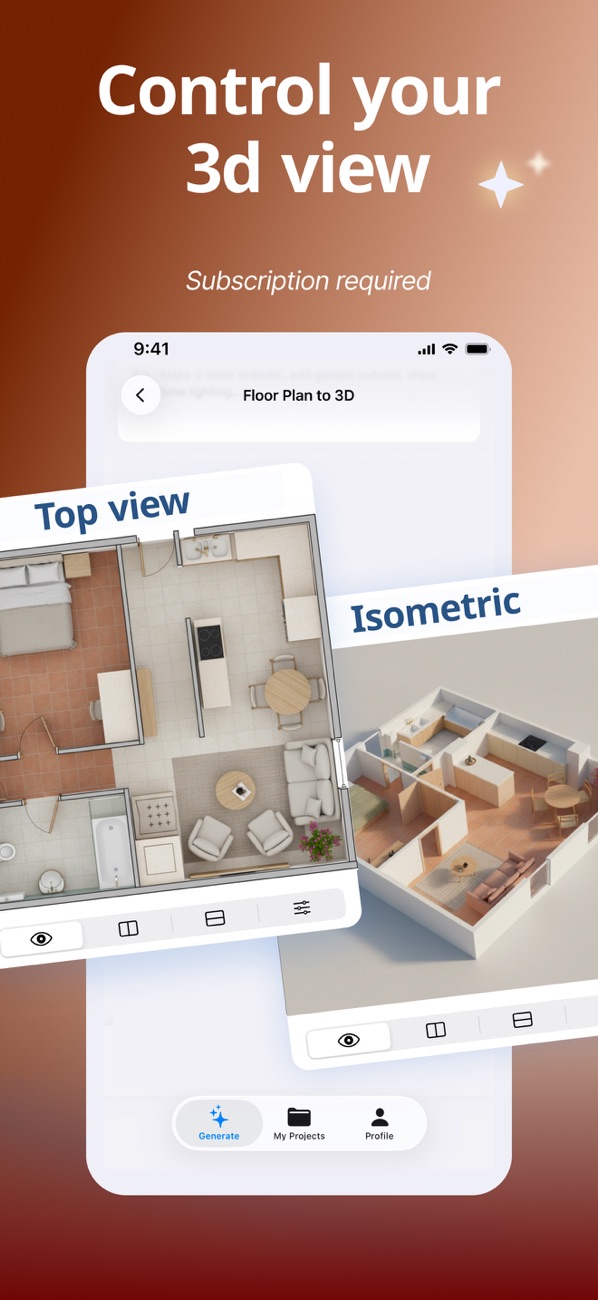
Turn any floor plan into a realistic 3D home
Upload a 2D floor plan or room photo and use AI to create faithful 3D visualizations, interior redesigns, exterior concepts, furnished rooms and garden ideas.
Visualize the renovation before you spend on it.
 AI Home Planner & Room DesignGraphics & Design
Features
Everything you need to get the result
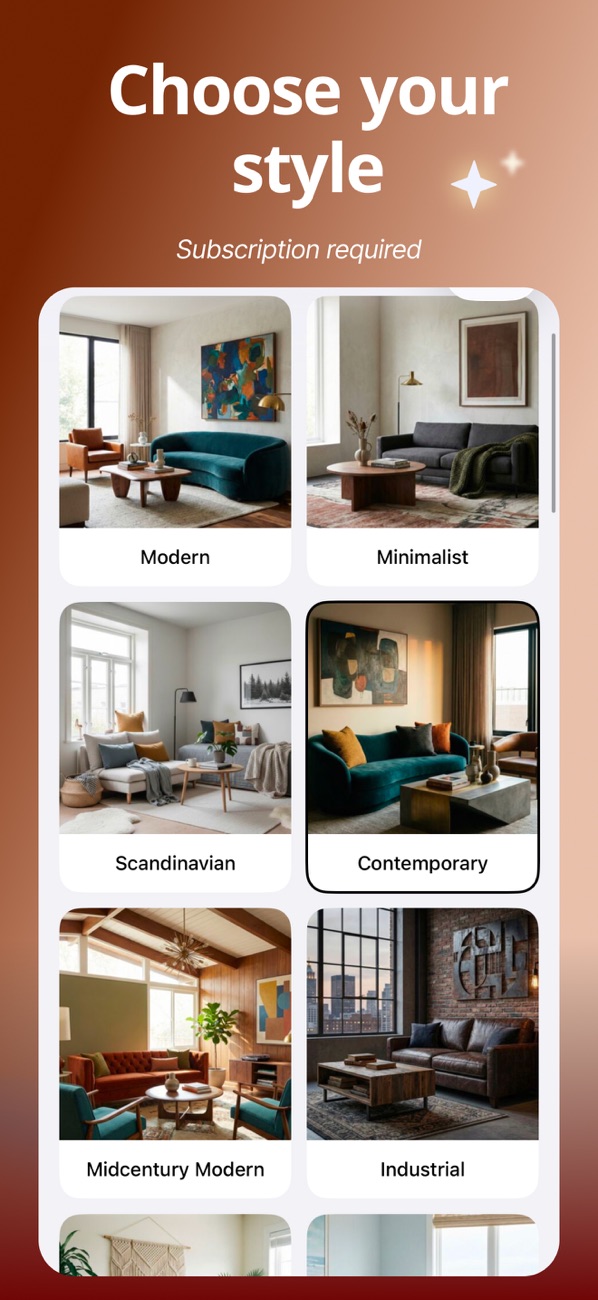
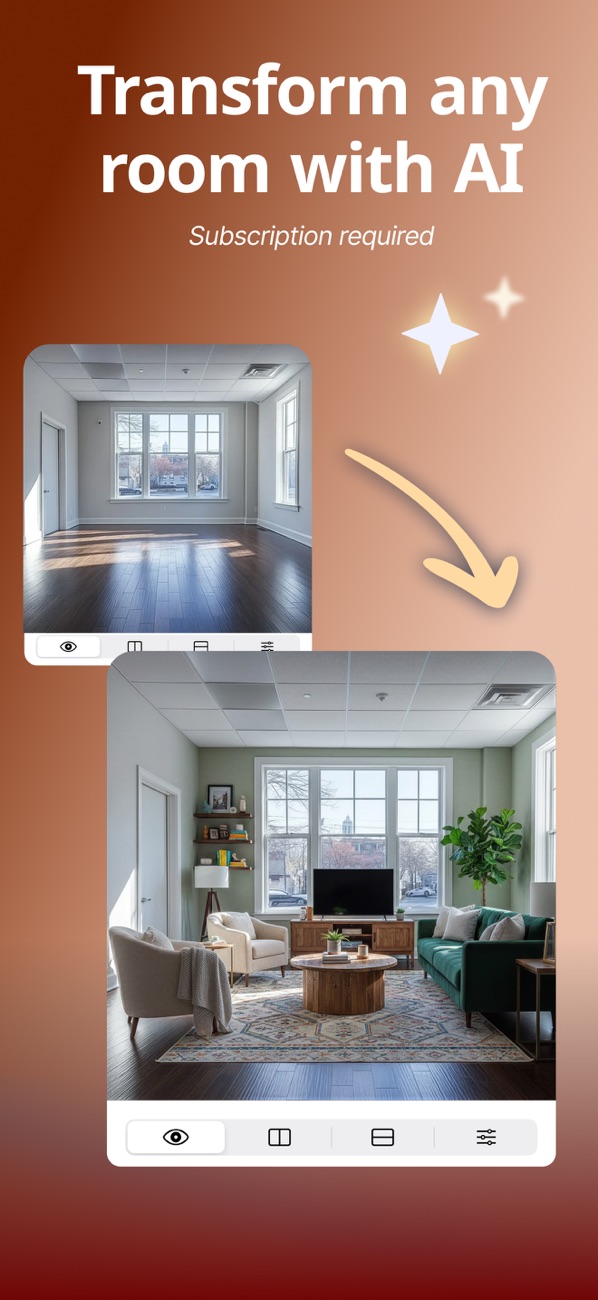
Redesign interiors, exteriors and gardens with AI
Furnish empty rooms and restyle floors
Compare variations and export high-resolution images
From a readable plan to a checked visual concept
Prepare the source, choose a useful view and compare the result before sharing an idea.
Keep the full plan visible
Use a legible image with room boundaries, doors and labels. Keep dimensions and scale in the source when available.
Choose a view for your question
Try a top-down or angled presentation. Start with a simple style so layout mistakes are easier to see.
Check and label the concept
Compare rooms, openings and proportions with the source. Share the original alongside the AI visualization; it is not a measured construction drawing.
App Store
See the app in action
Current product screenshots from the App Store listing.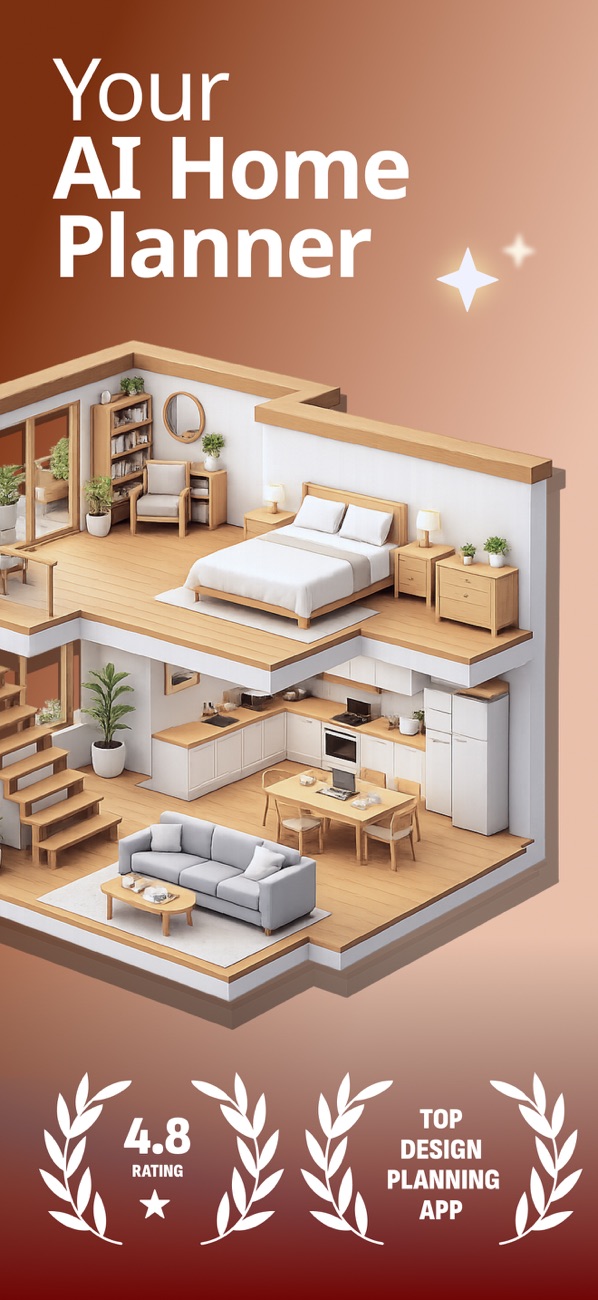
Practical guides
Practical guides
Practical instructions, examples and checks for your next project.Practical guide
How to turn a 2D floor plan into a useful 3D visualization
Read guide →Practical guideHow to redesign a room with AI while keeping real constraints
Read guide →Practical guideHow to review AI virtual staging for an empty room
Read guide →Practical guideVisualize an exterior redesign without losing the real structure
Read guide →Practical guideUse AI to explore a garden layout before choosing plants
Read guide →Practical guideUse a renovation visualizer to compare ideas before construction
Read guide →FAQ
Frequently asked questions
Does the AI preserve the original floor plan?
The floor plan is used as the source of truth for room count, position, proportion and dimensions.
Can I redesign an existing room?
Yes. Upload a room photo and explore many interior styles in seconds.
Can it furnish an empty space?
Yes. The app can create furnished concepts for empty rooms.
Who is it for?
It is useful for homeowners, agents, architects, designers and students.
Ready to get started?
Try AI Home Planner & Room Design and turn the next task into a finished result.
Download on the App Store